Work‑From‑Home Setup: Essential Tech Checklist
Everything you need for a productive home office — from monitors to ergonomic accessories.
Your Home Office Tech Checklist
Setting up a productive home office is about more than just finding a quiet corner. The right technology and ergonomic accessories can make the difference between a frustrating day and a productive one. Whether you're a remote worker, freelancer, or hybrid employee, this guide covers everything you need for a professional, comfortable, and efficient home office.
Monitor
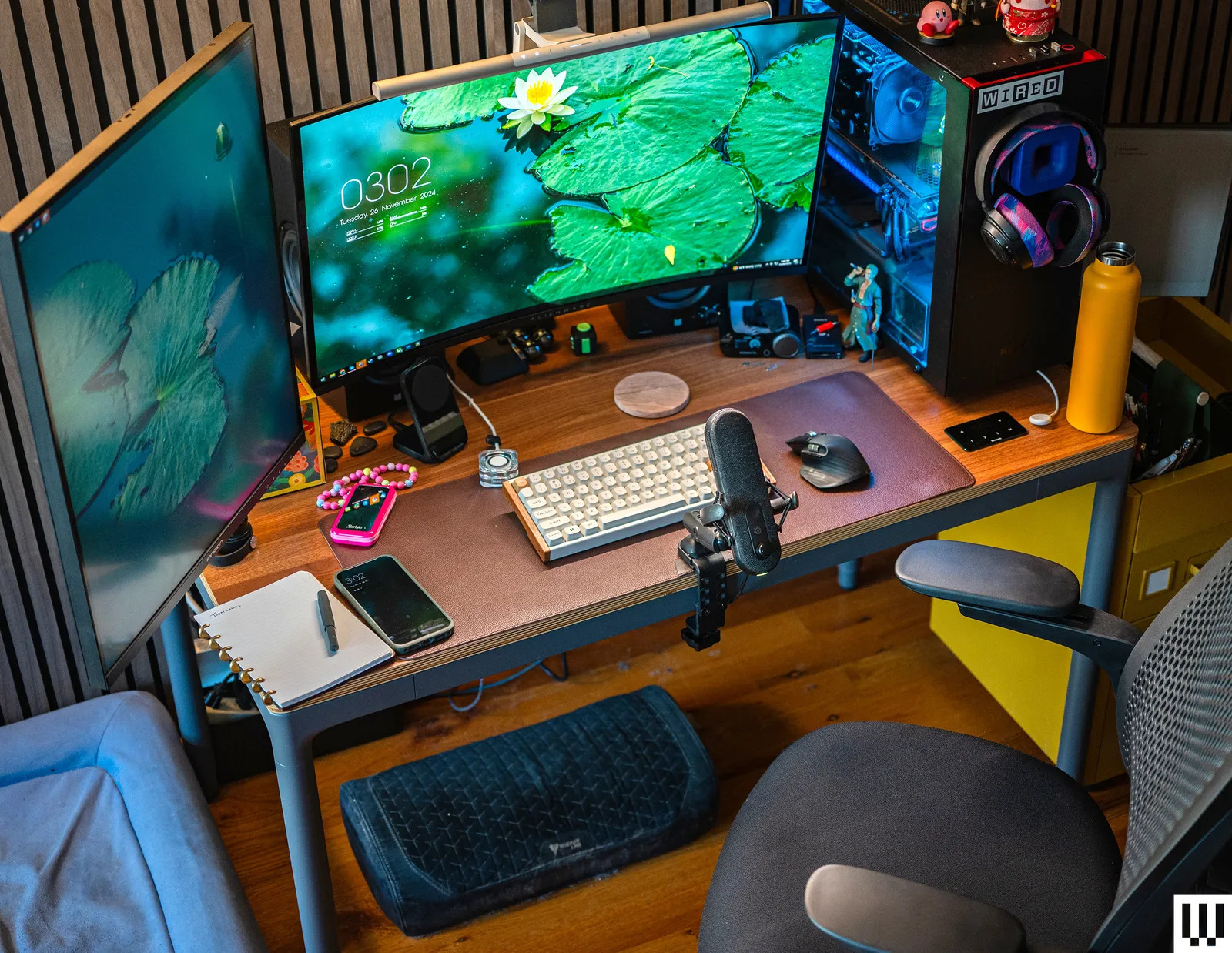
For a home office tech checklist,a monitor should ideally measure 25 to 27 inches , feature an ergonomic adjustable stand for height, tilt, and swivel, and sit about an arm's length away with the top of the screen at eye level.
Keyboard & Mouse
For a great home office setup, pick the right keyboard and mouse. Choose a quiet membrane keyboard for soft typing, a clicky mechanical board for heavy work, or an ergonomic split design to protect your wrists. Pair it with a comfortable, precise external mouse and keep both at elbow height.
Webcam & Mic
For a professional home office, a webcam and microphone checklist includes choosing a 1080p or 4K external webcam, a USB condenser or dynamic mic (or noise-cancelling headset), proper eye-level placement, auxiliary lighting, and regular hardware maintenance.
Headset
A home office headset checklist requires a noise-cancelling microphone, active noise cancellation (ANC) for focus, all-day ergonomic comfort, reliable wireless or USB connectivity, and platform compatibility for apps like Zoom or Microsoft Teams.