
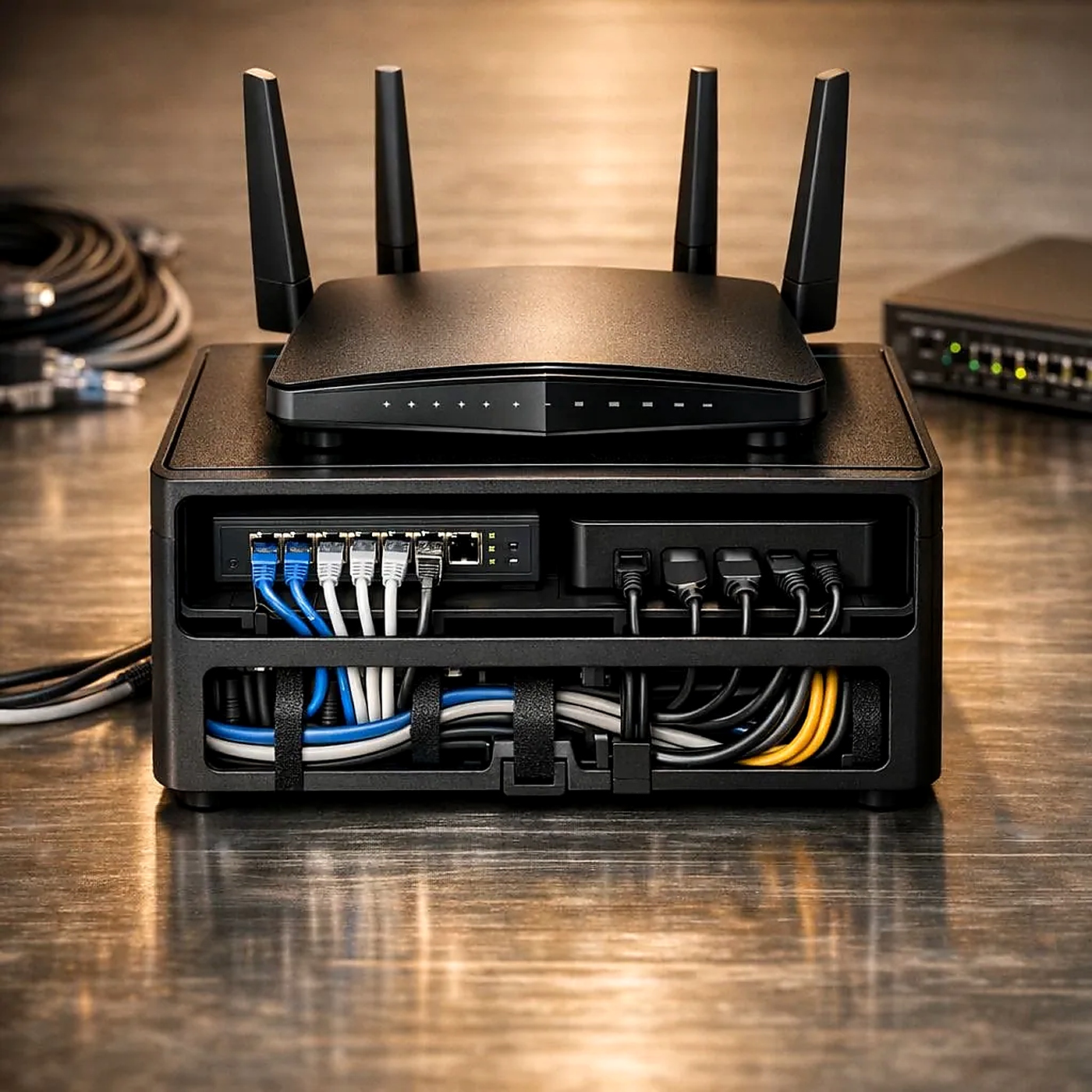
Networking Basics: Routers, Switches & Access Points
Understand the difference between routers, switches, and access points — and which one you need.
Networking Essentials
Building a reliable home or office network can seem complicated, but it becomes simple once you understand the three core devices: routers, switches, and access points. Each plays a distinct role in keeping your devices connected and your internet running smoothly.
Router
A router is the gateway that connects your local network to the internet. It acts as a traffic director, managing data flow between your devices and the wider web. Many ISPs provide a combined modem-router unit (gateway), but separate devices often offer better performance and flexibility. For most homes, a router with built‑in Wi‑Fi is enough, and a separate modem is often all you need for a simple setup.
Switch
A switch expands the number of wired connections available on your network. Think of it as a power strip for Ethernet ports—it takes one network connection and splits it into many. For home use, a simple 5‑port or 8‑port unmanaged Gigabit switch is usually enough to expand your wired connections without any configuration.
Access Point
An access point (AP) provides Wi-Fi coverage to wireless devices. Unlike a router, it doesn't manage your internet connection—it simply extends your network's wireless reach. For offices and large homes, separate access points connected via Ethernet provide better coverage than Wi-Fi repeaters.
Which One Do You Need?
Understanding what each device does makes it easy to choose the right equipment for your network. For most homes: A single router with built-in Wi-Fi is enough. If you need better coverage, consider a Wi-Fi mesh system (multiple access points working together). For offices: It's generally better to use separate devices for each function—a dedicated router, a managed switch, and multiple access points—for better performance and scalability.