Printer Maintenance Tips: Extend the Life of Your Device
Simple care routines to keep your printer running smoothly and avoid costly repairs.
Printer Care 101
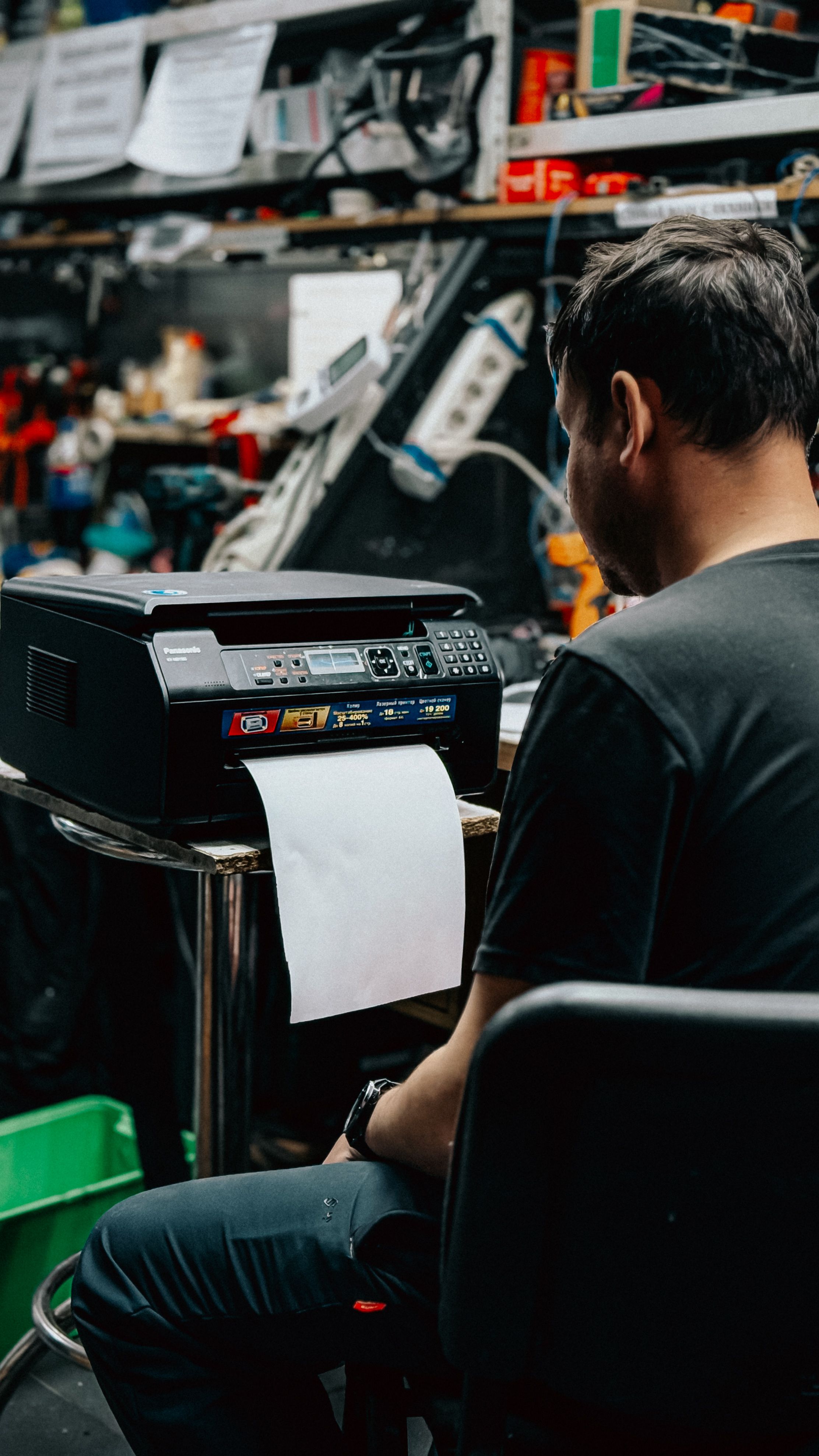
Proper printer care extends device life, prevents costly paper jams, and maintains print quality . Key habits includedcleaning rollers with isopropyl alcohol, using genuine ink or toner, storing paper flat in sealed reams, turning the printer off via its power button, and updating device drivers regularly.
Clean Print Heads
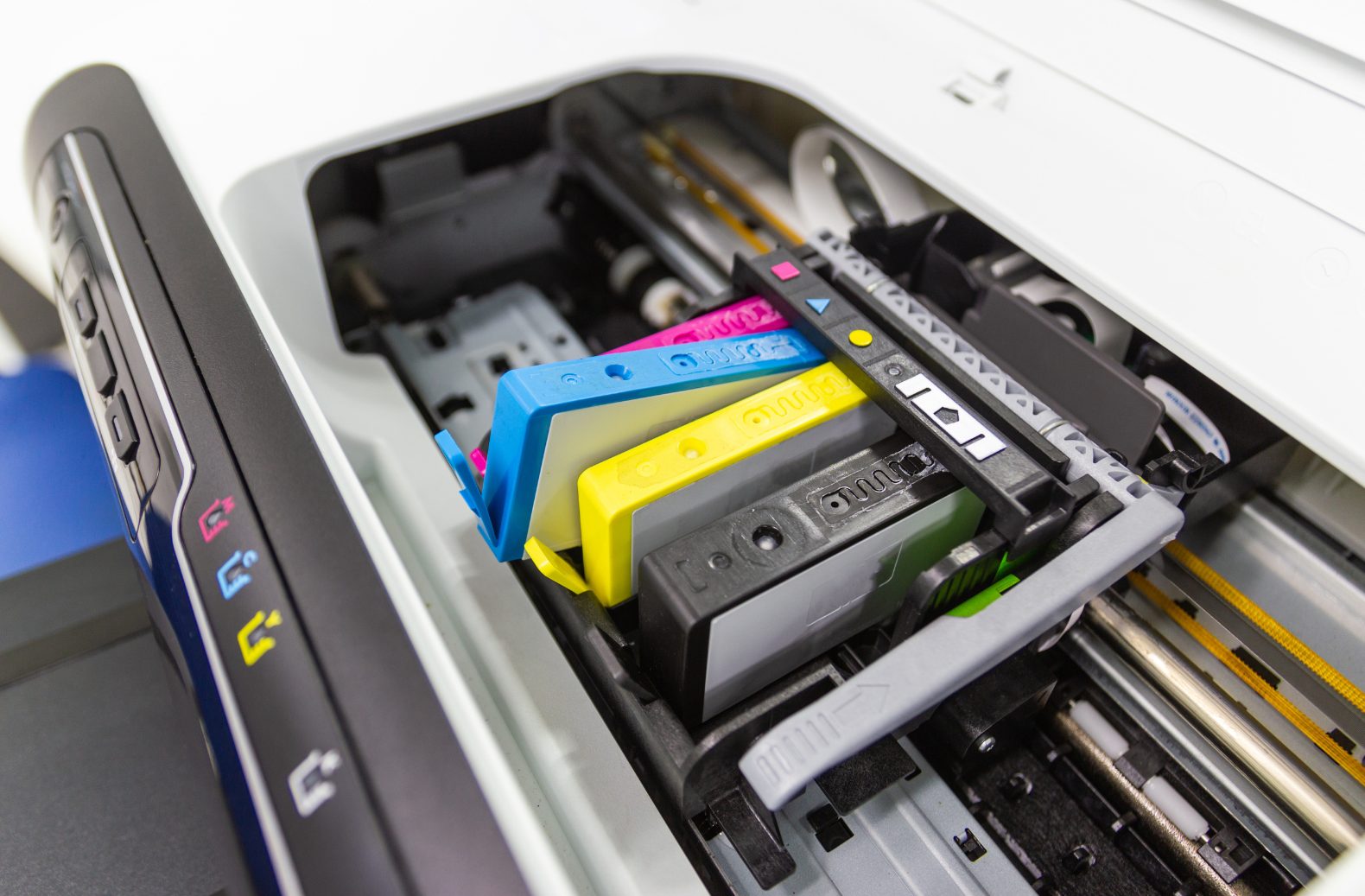
Clean print heads by using your printer's built-in software tool via your computer or screen. If clogs remain, safely soak removable print heads in warm distilled water. Always run a test page afterward to check the ink flow. Use the built‑in cleaning utility regularly.
Use Quality Paper
Using high-quality, compatible paper prevents dust buildup, paper jams, and roller wear. Cheap or mismatched paper sheds loose fibers that clog internal printer parts, while matching the right paper type (such as laser vs. inkjet) ensures proper absorption and protects your machine's longevity.
Keep It Dust‑Free
Keeping your printer dust-free stops paper jams , prevents smudged pages, and makes parts last longer. Wipe the outside often, cover the machine when idle, and keep paper trays clean to protect your device from everyday wear.
Update Firmware
To update your printer's firmware, turn on the printer, ensure it is connected to your computer or network, and download the latest update from your manufacturer's official support site (such as HP Software and Driver Downloads). Run the update tool or use the printer’s web page to install the software. Never turn off the printer during the update.