CCTV Installation Guide for Homes & Offices
Plan your CCTV setup: camera placement, cabling, DVR/NVR selection, and remote viewing setup.
Planning Your CCTV System
Before you start drilling holes or running cables, take time to plan your CCTV system. A well-planned installation saves time, money, and frustration while ensuring you get the coverage you need. Determine what you want your cameras to record before choosing placement. Covering all entry and exit points, your driveway, and the street in front of your house is essential for comprehensive security.
Camera Placement
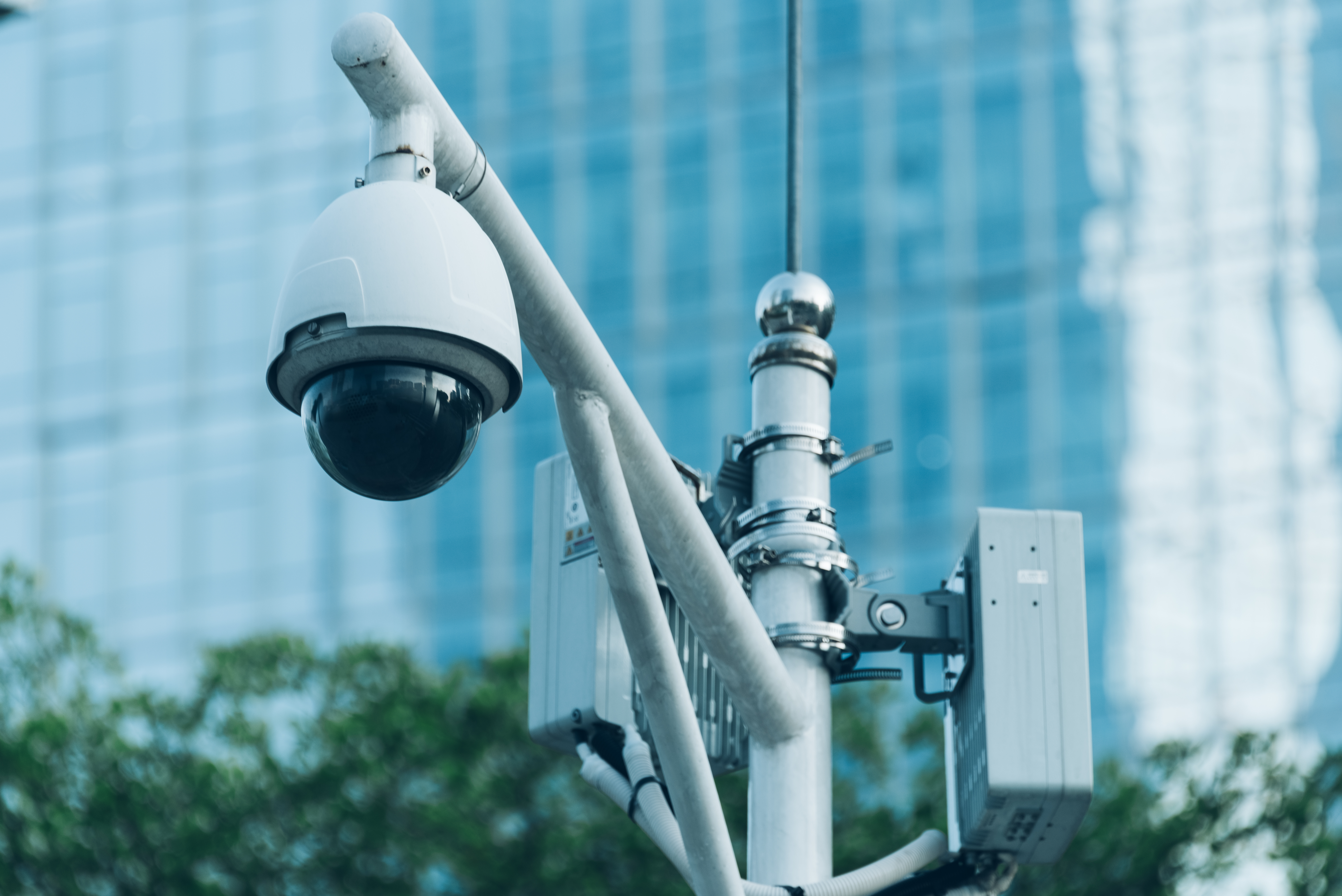
Create a rough floor plan of your property and mark potential camera positions. Cover entry points, blind spots, and high‑traffic areas. Use dome cameras indoors and bullet cameras outdoors for the best results. Turret cameras offer an excellent balance of flexibility and performance
Cabling
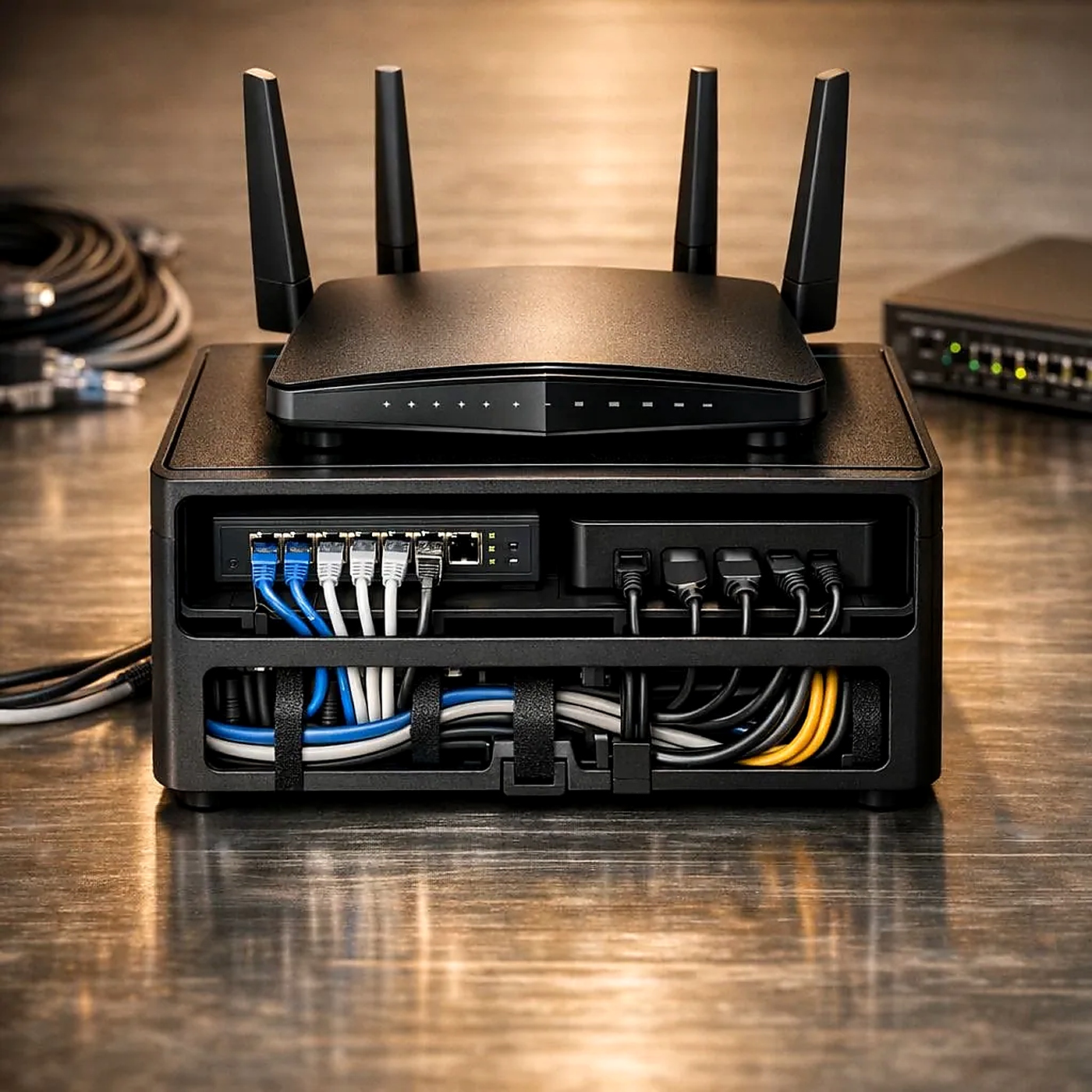
Proper cabling in CCTV installation requires matching the right wire type—such asCoaxial (RG59/RG6) for analog systems, Ethernet (Cat5e/Cat6) for IP and Power over Ethernet (PoE) cameras, or Fiber Optics for long-distance runs—while protecting lines in conduits and avoiding direct weather or electrical interference. Use Cat5e/Cat6 for PoE cameras or coaxial for analogue.
DVR vs NVR
The main difference is how they process video data. A DVR (Digital Video Recorder) processes raw video at the recorder using analog cameras and coaxial cables. An NVR (Network Video Recorder) processes digital video encoded at the camera and uses Ethernet cables or Wi-Fi. DVR is cheaper, while NVR offers higher quality. DVR for analogue, NVR for IP cameras – choose accordingly.
Remote Viewing
Remote viewing lets you watch live or recorded CCTV footage on your phone or computer from anywhere. To set it up,connect your NVR or IP cameras to the internet, enable P2P cloud linking or port forwarding, and scan the device QR code using a mobile app like Hik-Connect, gDMSS, or a brand-specific viewer.